Ask about a Space
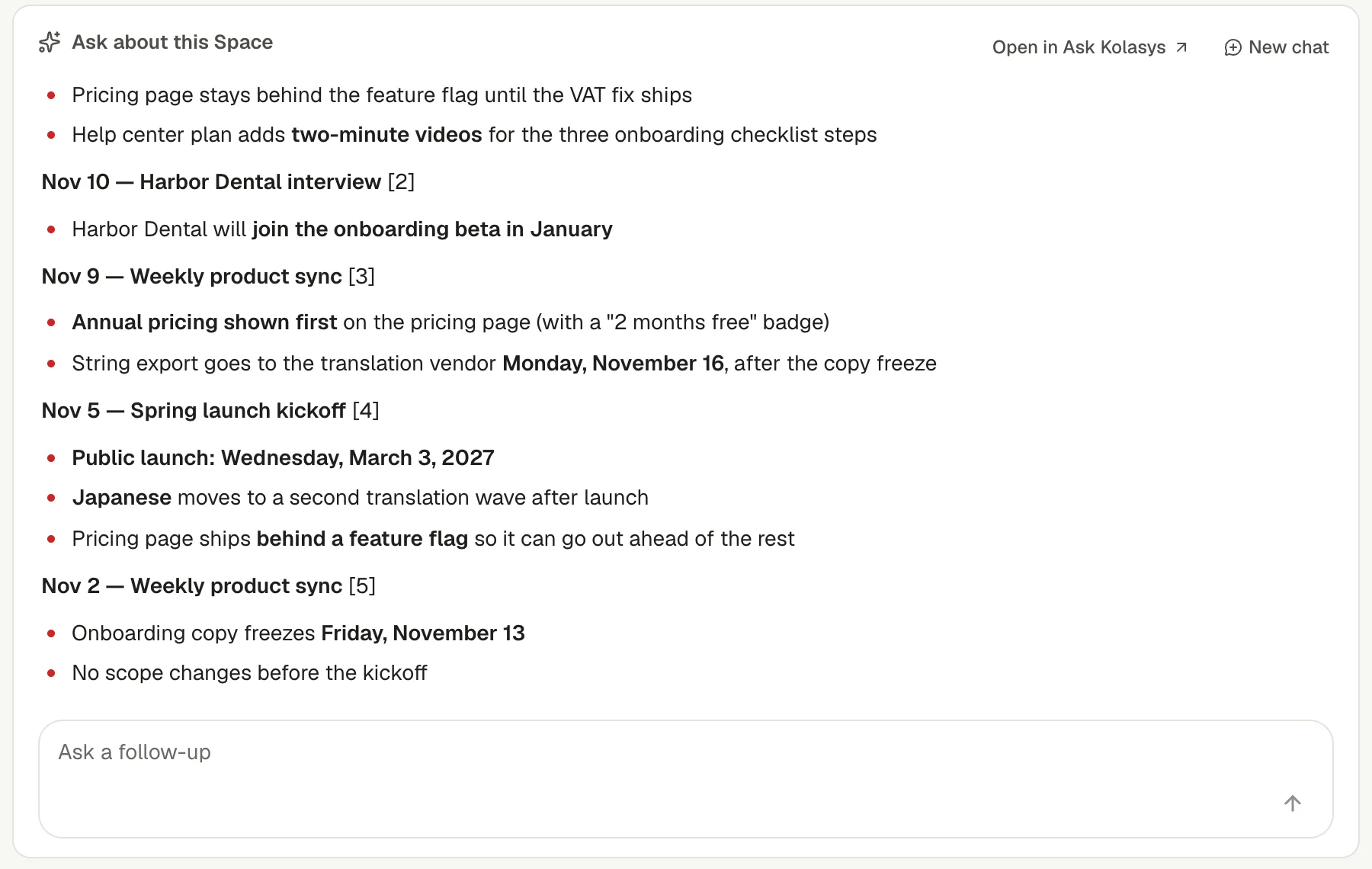
Ask questions across every meeting in a Space, like “What did we decide recently?”, and get answers with the meetings they came from.
Ask a question
- Open the Space’s page.
- In Ask about this Space, click a suggested question (What did we decide recently?, What are the open action items?, Summarize the last month or What’s coming up next?), or type your own.
- The answer appears below, with numbers that point to the meetings it came from.
What it knows
- The notes of the Space’s most recent meetings (up to 20) that you’re allowed to open.
- The Space’s name and description, so it knows what the Space is for.
Follow-ups and earlier questions
Type a follow-up below the answer. New chat starts over, and Open in Ask Kolasys continues on the full Ask page. Your earlier questions about the Space are listed when the box is empty. Guests can’t use Ask.
Was this helpful?
Still need help?
Email hi@kolasys.ai from the address on your account and we’ll reply by email.