Use AI on pages and databases
Summarize a page, pull out its action items, and add AI summaries to every row of a database.
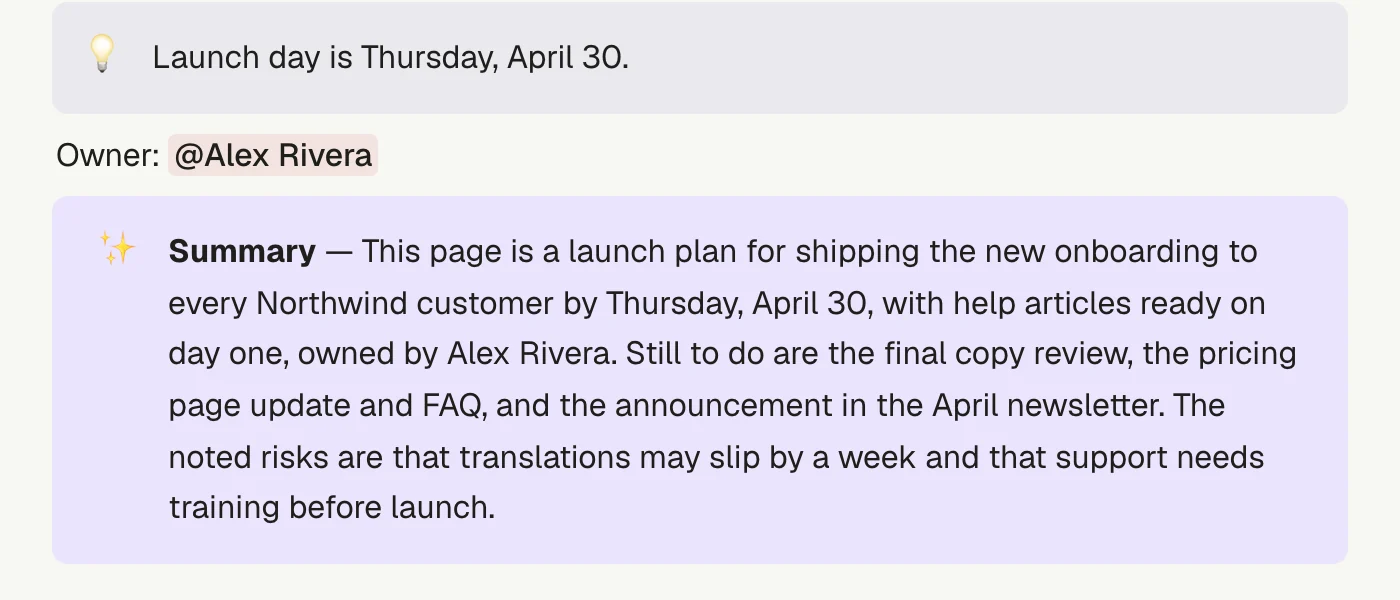
On a page
- Type /summarize and choose Summarize page to add a summary block.
- Type /action and choose Find action items to list the to-dos in the page.
- Or choose Summarize with AI in the page’s ••• menu.
In a database
- Add a property of type AI summary. See Properties.
- Click AI autofill summaries in the database toolbar to fill it for every row.
Good to know
- Guests can’t use AI features.
- Very long pages may be too long for AI. Split them into smaller pages.
Was this helpful?
Still need help?
Email hi@kolasys.ai from the address on your account and we’ll reply by email.