Edit together and restore old versions
See who’s on a page while you write, and go back to an earlier version if something goes wrong.
Editing together
When teammates open the same page, their faces appear at the top (On this page now) and you see their cursors and edits as they type. There’s nothing to save: changes are kept as you go.
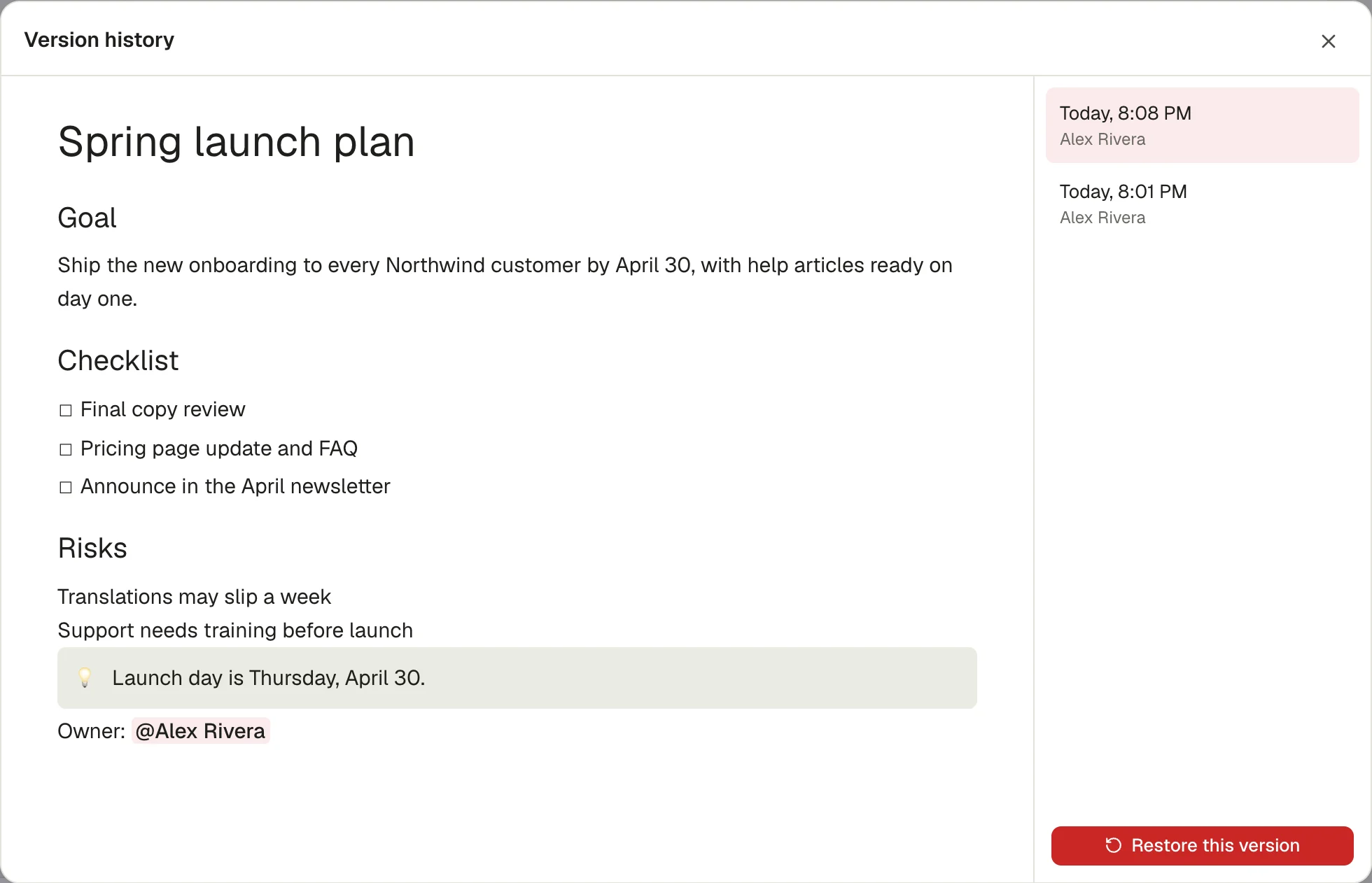
Version history
- Click ••• at the top right of the page and choose Version history.
- Pick a version on the right to see the page as it was.
- Click Restore this version.
Lock a page
Choose Lock page in the page’s ••• menu to stop accidental edits. A locked page can’t be restored to an old version until you unlock it.
Was this helpful?
Still need help?
Email hi@kolasys.ai from the address on your account and we’ll reply by email.