Kolasys AI at a glance
Kolasys AI records your meetings and turns them into a transcript, notes and action items you can search and ask questions about. Here’s what it does and where things are.
What it does
A few minutes after a meeting ends, it has its own page with:
- A transcript, with who said what.
- Notes: a summary and sections such as decisions, open questions and next steps.
- Action items, with an owner, a priority and a due date you can set.
Ask Kolasys answers questions across your meetings, like “What did we decide about pricing?”, with links to the meetings the answer came from.
Ways to record
- Send the meeting bot to a Zoom, Google Meet or Microsoft Teams call, or let it join your calendar meetings automatically.
- Record on your Mac or PC with the desktop app. No bot joins the call.
- Record in your browser with your microphone.
- Upload a recording or Voice Memo.
- Record on iPhone and Apple Watch, or on Android.
Where things are
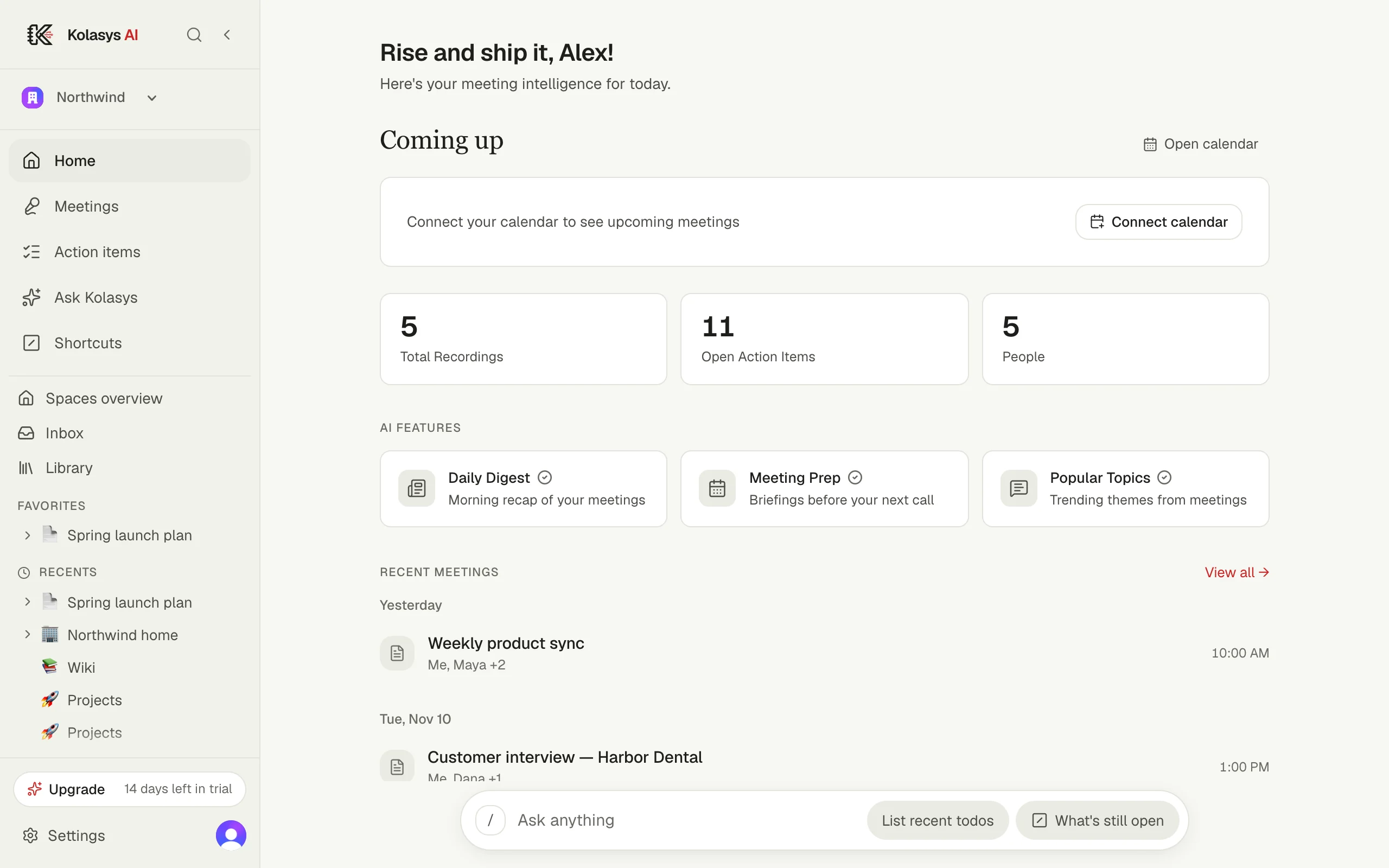
The sidebar on the left has:
- Home: what’s Coming up on your calendar, a Get started checklist while you’re new, and your recent meetings.
- Meetings: every meeting you can open, with search and filters. New Recording is at the top right.
- Action items: the to-dos from your meetings.
- Ask Kolasys and Shortcuts (saved prompts).
- People and Companies: who you meet with.
- Settings, at the bottom. Its Account pages are yours; its Workspace pages apply to everyone, and most of them can only be changed by workspace owners and admins.
Plans
The Free plan includes 3 meetings a month in one workspace. Pro and Team have no monthly limit. See Plans, trials and billing.
Where to start
- Record your first meeting.
- Connect your calendar, so your upcoming meetings show on Home.
- Get the desktop and phone apps.
- Invite your teammates.
Was this helpful?
Still need help?
Email hi@kolasys.ai from the address on your account and we’ll reply by email.