Create a database
A database is a page full of rows, like tasks, projects or clients, that you can sort, filter and show in different ways.
Create one
- As its own page: use + next to a Space or page in the sidebar and choose Database.
- Inside a page: type /table or /board and choose Table database or Board database.
- From a spreadsheet: import a .csv file.
- From a template: Projects, Goals Tracker and Blank database are in Templates.
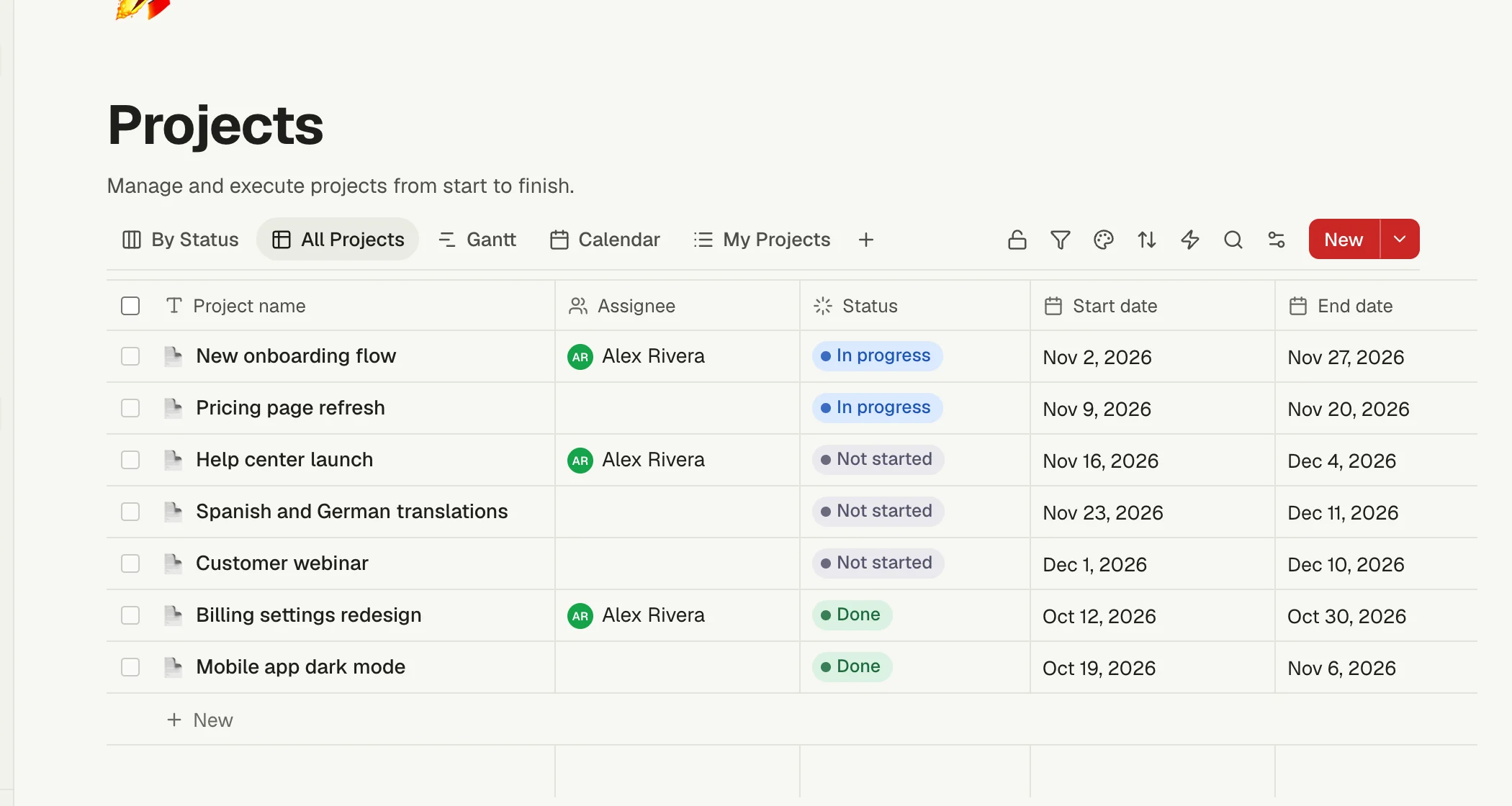
Add rows
Click New at the top right, or the empty row at the bottom of the table. Each row is also a page: open it to write notes inside. The ▾ next to New lets you start from a row template, an Empty page, or Import CSV rows….
Show a database on another page
Type /linked on any page and choose Linked view of database. It shows the same rows, with its own filters and layout, so each team can see just their part.
Was this helpful?
Still need help?
Email hi@kolasys.ai from the address on your account and we’ll reply by email.