My calendar isn’t syncing
Meetings missing from Coming up or the calendar page? Reconnect Google or Outlook and check the usual causes.
Quick checks
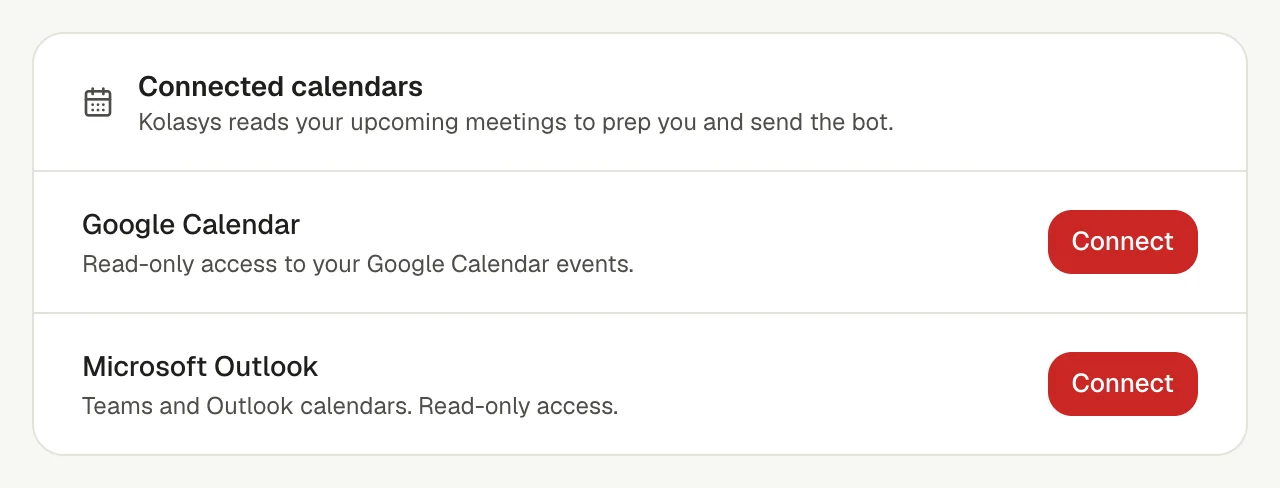
- In Settings › Calendar, Google Calendar or Microsoft Outlook shows Connected.
- Click Open calendar on that page. It lists your meetings for the next 2 weeks, as Coming up on Home does.
Reconnect your calendar
If the connection has expired, the calendar page says your calendar token has expired. Click Reconnect Google Calendar or Reconnect Microsoft Calendar and sign in again.
If meetings are still missing:
- In Settings › Calendar, click Disconnect next to the calendar.
- Click Connect and sign in with the account that has the meetings.
Other causes
- You’re in another workspace. A calendar connection belongs to one workspace, so connect it in each workspace you use.
- You connected a different Google or Microsoft account from the one with the meetings. Disconnect and connect the right one.
- Your company uses Microsoft 365 and Microsoft says an admin must approve. Ask your IT admin to allow Kolasys AI.
- Meetings without a video link do show, marked No video link, but the bot can’t join them.
For connecting a calendar the first time, see Connect your calendar.
Was this helpful?
Still need help?
Email hi@kolasys.ai from the address on your account and we’ll reply by email.